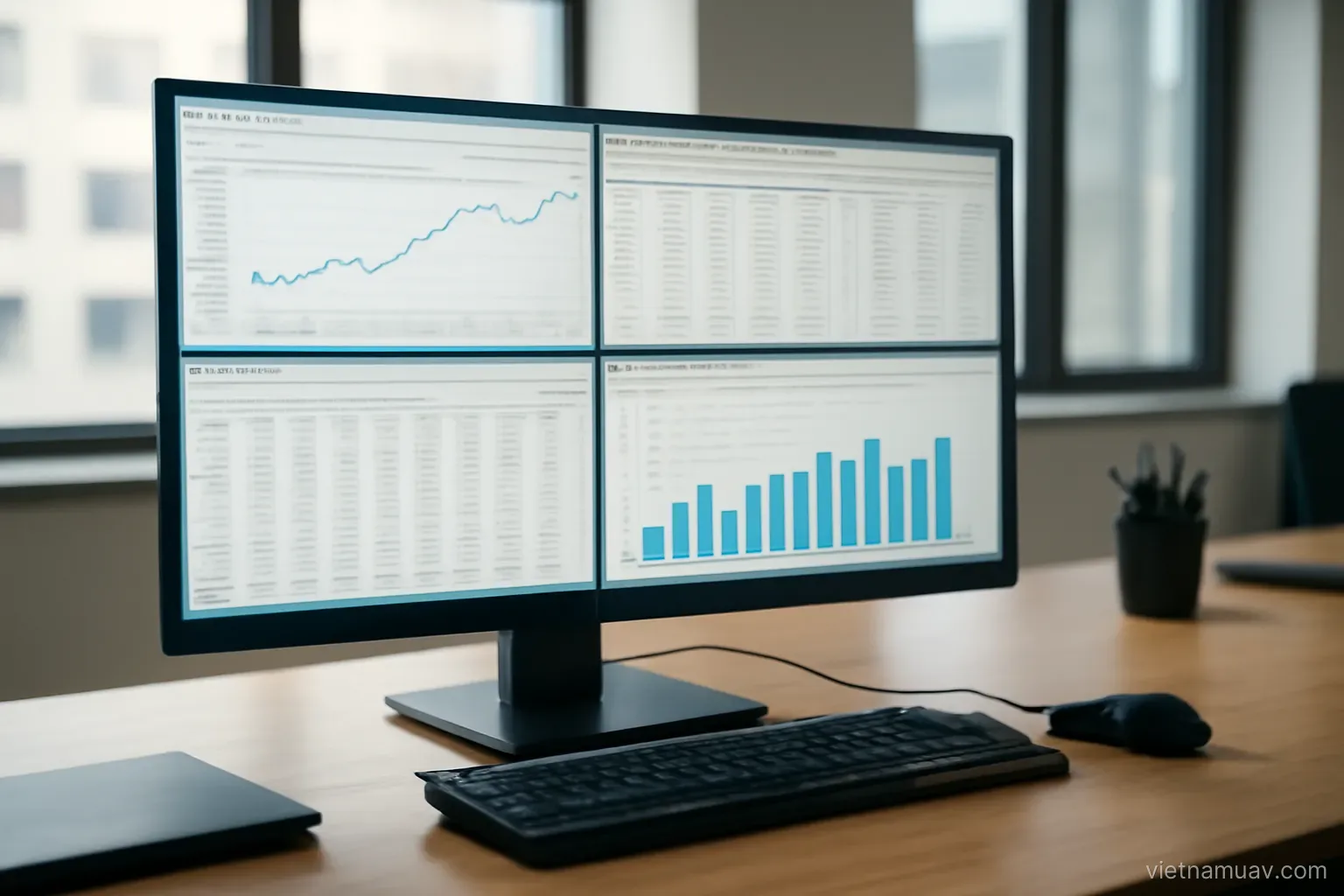
Software is the second largest investment after equipment, and it determines throughput more than most operators expect. Choosing well and knowing it thoroughly makes a substantial difference.
The software you need
Flight planning. Designing missions from resolution and overlap requirements. Capable free options exist.
Photogrammetric processing. Turning imagery into point clouds, models and orthomosaics. The main purchase.
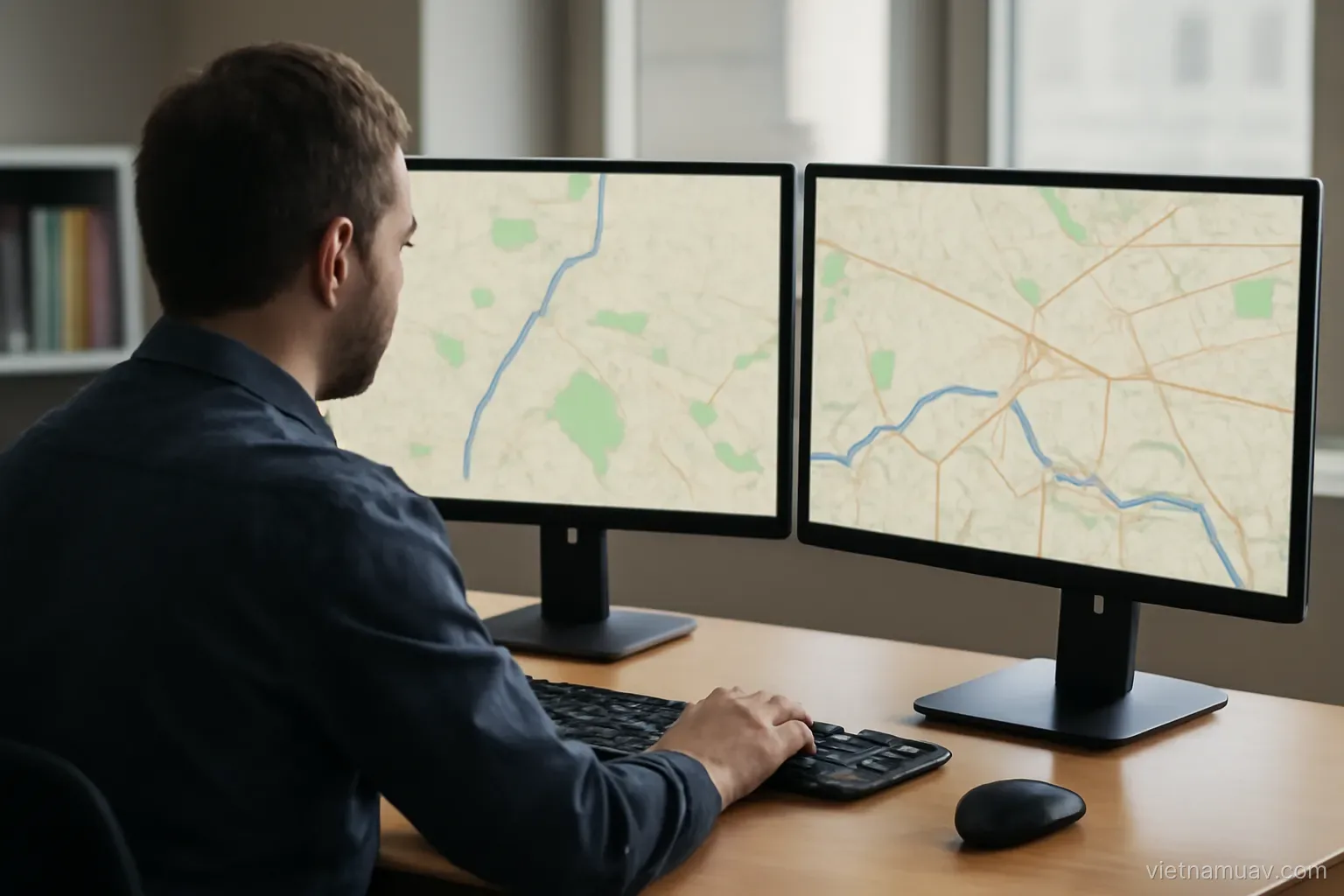
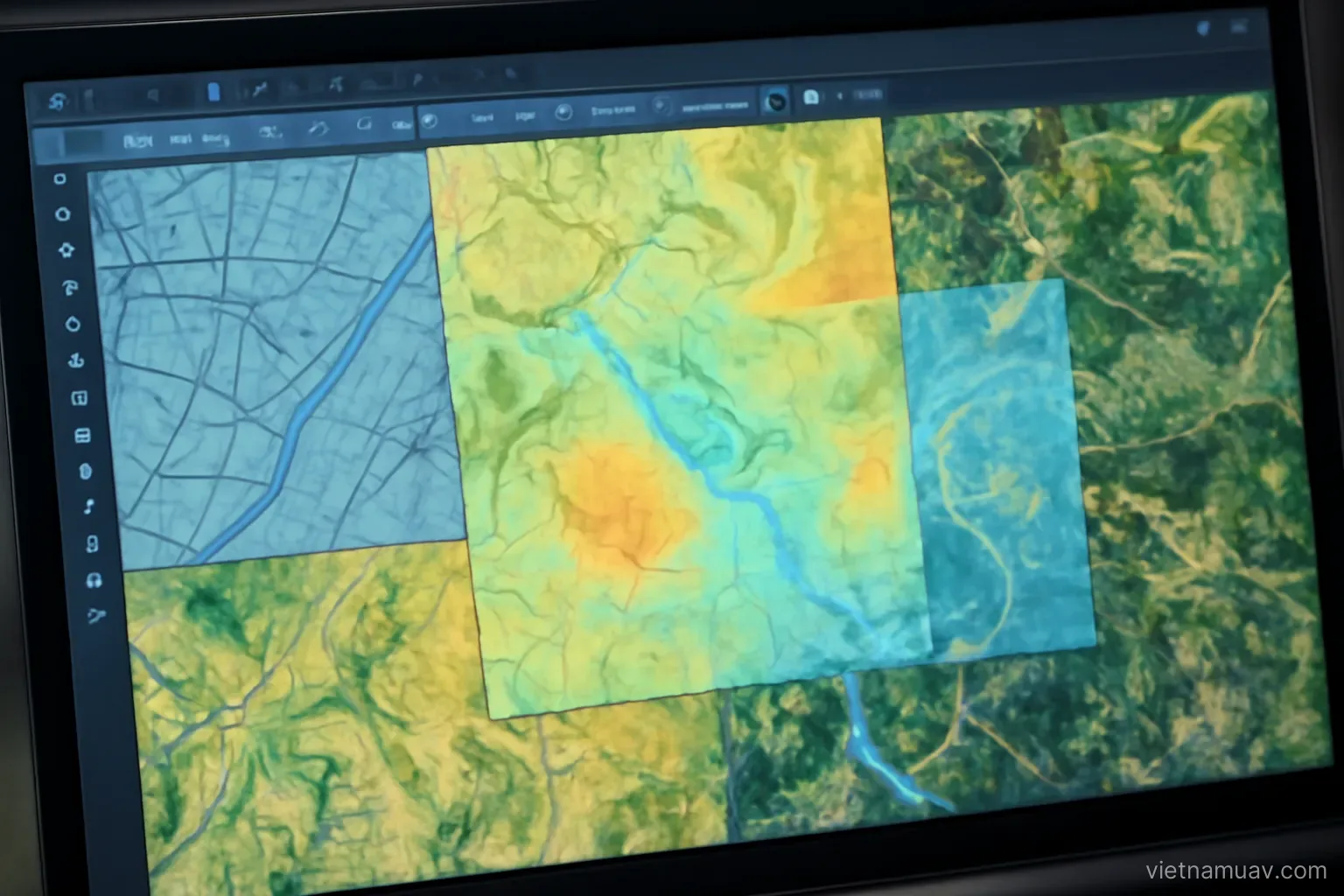
Geographic information system. Viewing, analysing, overlaying, measuring and producing maps. Strong open-source options are available.
Point cloud processing. Filtering, classifying, clipping, calculating. Specific to laser scanning work.
Sector-specific analysis. Volumes, change detection, agronomic analysis. Depends on your market.
Image editing. For presentation outputs.
Data management. Cataloguing, searching, backup.
You do not need all of it immediately. Planning, processing and a geographic information system cover most work.
Prefer tools that exchange data cleanly. A toolchain where every step needs a conversion is a toolchain that loses information.
Choosing processing software
Output quality. Test with your own data rather than trusting marketing. Most vendors offer a trial.
Processing speed. Directly affects throughput. Compare on the same dataset and the same machine.
Parameter control. Whether you can adjust settings or only use automatic modes. This matters when data is difficult.
Export formats. Whether it produces what clients need.
Ground control handling. Whether importing and marking points is efficient. This is a time-consuming task.
Quality reporting. Whether it generates an error report automatically.
Hardware demands. Some packages need substantially more capable machines.
Licensing model. Perpetual, subscription or per-job. Materially affects cost when workload is uneven.
Support and update cadence. A package that has not been updated in years is a risk when operating systems and file formats move on.
Hardware requirements
Memory is the dominant factor. Photogrammetric processing consumes it heavily. Insufficient memory forces the system onto disk and slows everything by an order of magnitude.
Graphics processor. Many stages use it. A capable card shortens processing substantially.
Processor cores. More cores allow parallel stages to run properly.
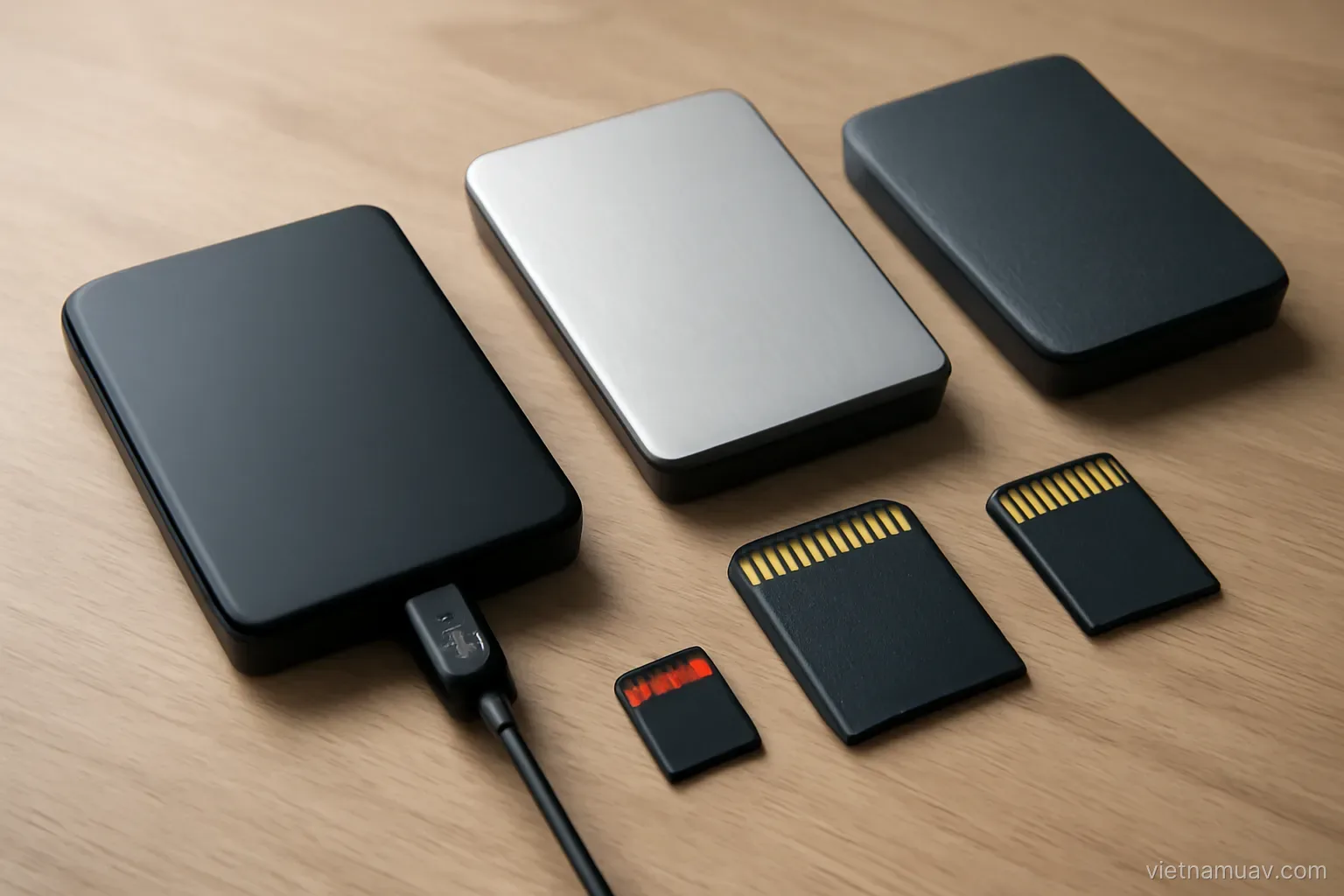
Fast storage. Intermediate data is read and written continuously. Solid state storage makes a visible difference.
Disk capacity. Intermediate data is several times the source imagery. Running out mid-process means starting again.
Cooling. Processing runs at full load for hours. A machine that throttles or crashes under sustained load wastes the whole run.
Desktop over laptop. For the same budget, considerably more capable and better cooled.
Cloud processing. An alternative for large occasional projects, billed per use rather than requiring capital.
Budget for replacement. A workstation used at full load ages faster than an office machine.
Building a workflow
Standardise. The same process for the same type of project. Faster and less error-prone.
Save configuration templates. Parameter sets per project type, so nothing is reconfigured each time.
Trial run on a subset. Before committing to a full processing run. Thirty minutes rather than eight hours to discover a problem.
Run long stages overnight. Set up before leaving and collect results in the morning.
Record parameters used. Per project. Needed for reprocessing and for answering questions about the result.
Check at each stage. Not only at the end. A flawed point cloud makes everything downstream flawed.
Automate repetition. Many packages support command-line or configuration-driven operation. Worth learning if you run similar projects frequently.
Time the stages. Knowing where the bottleneck sits tells you where investment actually helps.
Write the workflow down. A process that exists only in one person's head stops when that person is unavailable.
Learning and improving
Know one package deeply. Rather than several superficially. Depth produces throughput.
Read the documentation. Many useful features go unused because nobody read about them.
Understand the principles. Not just which buttons to press. Knowing what the software is doing lets you fix poor results.
Work with difficult data. You learn more from problematic datasets than from clean ones.
Join user communities. Forums and groups. Specific problems usually have answers there.
Follow updates. New features sometimes solve problems you have been working around.
Learn geographic information systems. A transferable foundational skill with powerful free tools available.
Learn a little scripting. Enough to automate repetitive steps. Not expertise, just enough — and it saves a great many hours.
Keep a notes file. Fixes for problems you have already solved once. It is the cheapest form of documentation and the most used.
Frequently asked questions
Which hardware specification matters most?
Memory. Insufficient memory forces the system to use disk as overflow, which slows processing by an order of magnitude regardless of processor speed.
What should be done before a full processing run?
A trial run on a subset of the imagery — thirty minutes to discover a problem rather than eight hours of processing followed by an unusable result.
Is it better to learn several packages or one?
One, deeply. Depth produces throughput, and understanding what the software is doing lets you diagnose poor results rather than only reprocessing blindly.
Which licensing consideration matters with uneven workload?
Whether the model is perpetual, subscription or per-job. With irregular work volume, the difference in annual cost between models can be substantial.
More in Airspace rules and permits and Operations and safety.