A multirotor is a machine that vibrates continuously. Every image it captures has to overcome that, and stabilisation is the primary defence.
Sources of vibration
Propellers. The dominant source. Unbalanced or chipped blades produce strong vibration.
Motors. Worn bearings generate high-frequency vibration.
Airframe resonance. The structure has natural frequencies. If one coincides with propeller frequency, amplitude rises sharply.
Wind. Produces irregular motion and sudden corrections.
Effect — blur. The camera moves while the shutter is open.
Effect — rolling shutter artefacts. With an electronic shutter, vibration produces a characteristic wave distortion that is very difficult to correct.
Effect — lost detail. Even minor vibration reduces sharpness noticeably at full magnification.
Effect on survey. Blurred images break feature matching, so reconstruction degrades or fails.
It compounds over time. Vibration loosens fasteners and wears bearings, which produces more vibration. Catching it early matters.
How a gimbal works
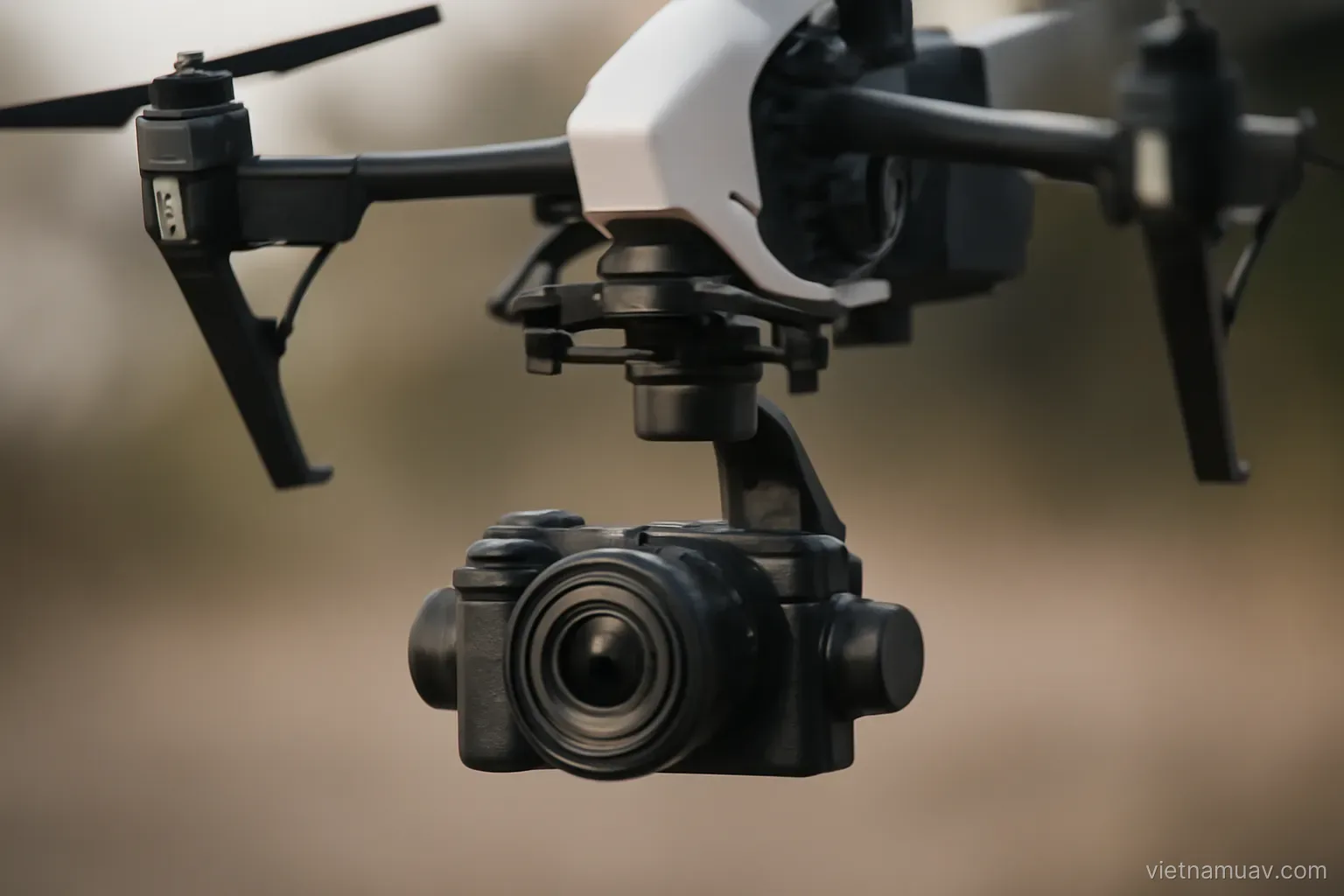
Three axes. Compensating rotation in all three directions, keeping the camera pointed consistently while the aircraft tilts.
Inertial sensing. Measures camera motion; gimbal motors counteract it.
Rotation only. A gimbal does not compensate translation. Linear vibration still reaches the sensor.
Mechanical isolation. Rubber or spring dampers between the gimbal and airframe filter high-frequency vibration the gimbal cannot handle.
Damper stiffness matters. Too stiff and it filters nothing; too soft and the gimbal oscillates. Manufacturers select for the camera mass.
Changing camera means changing dampers. A different mass shifts the cutoff frequency of the isolation system.
Bandwidth is finite. The gimbal responds fast but not infinitely. Very high-frequency vibration exceeds what it can correct.
Checking it works. Hold the aircraft and rotate gently. The camera should hold its heading smoothly, without jerking or hunting.
Listen while it runs. A gimbal motor working unusually hard is audible, and it usually means a damper or a bearing has degraded.
Camera settings for sharpness
Fast shutter. The single most important factor against blur. As fast as available light permits.
Rule of thumb. Fast enough that the aircraft travels less than one pixel during the exposure.
The trade against noise. A faster shutter requires higher sensitivity, and higher sensitivity means more noise.
Prioritise shutter speed. Noise can be partially reduced in processing; blur cannot be recovered.
Aperture. Where adjustable, a mid-range aperture is sharpest. Very small apertures introduce diffraction softening.
Focus. Fixed at infinity for survey. Autofocus can hunt and ruin individual frames.
File format. Raw gives the best quality but large files and slow processing. High-quality compressed is usually adequate for mapping.
Fixed white balance. Automatic white balance shifts colour between images and produces a patchwork mosaic.
Lock the settings. Once established, prevent them changing between sorties, or the block will not process consistently.
Diagnosing soft imagery
Uniform blur across the frame. Motion during exposure. Increase shutter speed or reduce ground speed.
Directional blur. Motion along that axis, usually the direction of travel.
Wave distortion. Rolling shutter combined with vibration. Reduce vibration or change to a mechanical shutter.
Soft edges with a sharp centre. A lens issue, not vibration.
Some frames sharp, some not. Autofocus hunting, or irregular vibration.
Sharp but lacking detail. Over-compression, or insufficient resolution for the flight altitude.
How to isolate it. Capture while hovering and compare with images taken in forward flight. The difference identifies whether motion or the equipment is at fault.
Check propeller balance first. A chipped or dirty blade causes strong vibration and is the simplest and most common cause.
Check the mounting. A loose gimbal mount produces symptoms that look exactly like a camera fault and cost nothing to fix.
Looking after the gimbal
The most fragile assembly on the aircraft. A minor knock can misalign or damage it.
Transport lock. Always fitted when packing. An unlocked gimbal swings in transit and damages its motors.
Damper inspection. Rubber hardens with age and loses effectiveness. Replace on schedule.
Freedom of movement. With power off, rotate each axis by hand. Smooth, no binding, no play.
Lens cleaning. Correct method with an appropriate cloth and fluid.
Calibration. After an impact, or when the horizon is no longer level. The procedure is in the software.
Dust and moisture. Enter the mechanism and cause binding. Be careful in dusty conditions and clean afterwards.
Never lift the aircraft by the gimbal. A very common mistake and a reliable way to damage the mechanism.
Keep a spare if you fly commercially. A damaged gimbal grounds the aircraft entirely, and lead times on replacements are rarely short.
Frequently asked questions
What does a gimbal not compensate for?
Translation. It corrects rotation on three axes only, so linear vibration still reaches the sensor and must be handled by mechanical isolation.
Should shutter speed or noise be prioritised?
Shutter speed. Noise can be partially reduced during processing, whereas motion blur cannot be recovered at all.
What causes wave distortion in images?
A rolling electronic shutter combined with vibration. It requires reducing vibration or moving to a camera with a mechanical shutter, particularly for survey work.
What is the most common avoidable cause of gimbal damage?
Lifting the aircraft by the gimbal, and packing it without the transport lock fitted so it swings freely during transit.
More in Flight planning and Operations and safety.